

Platform demo
EventStation Training Showcase
Explore registrations, the program, and the participant portal.
Explore the demo
From the event website to participant follow-up, EventStation brings content, registration, submissions, and communications together to support your team’s work.
See EventStation in action Talk about your eventEvent website
From page structure to the public program, see how to present your event and prepare its content.
Video walkthrough · 1:06
The video is unavailable. Continue exploring with the links below.
Follow one paper through EventStation
The same demonstration paper follows a clear path: submission, review, decision, then preparation of the author email.
Controlled demo, no external action
Video walkthrough · 1:09
The video is unavailable. Continue exploring with the links below.
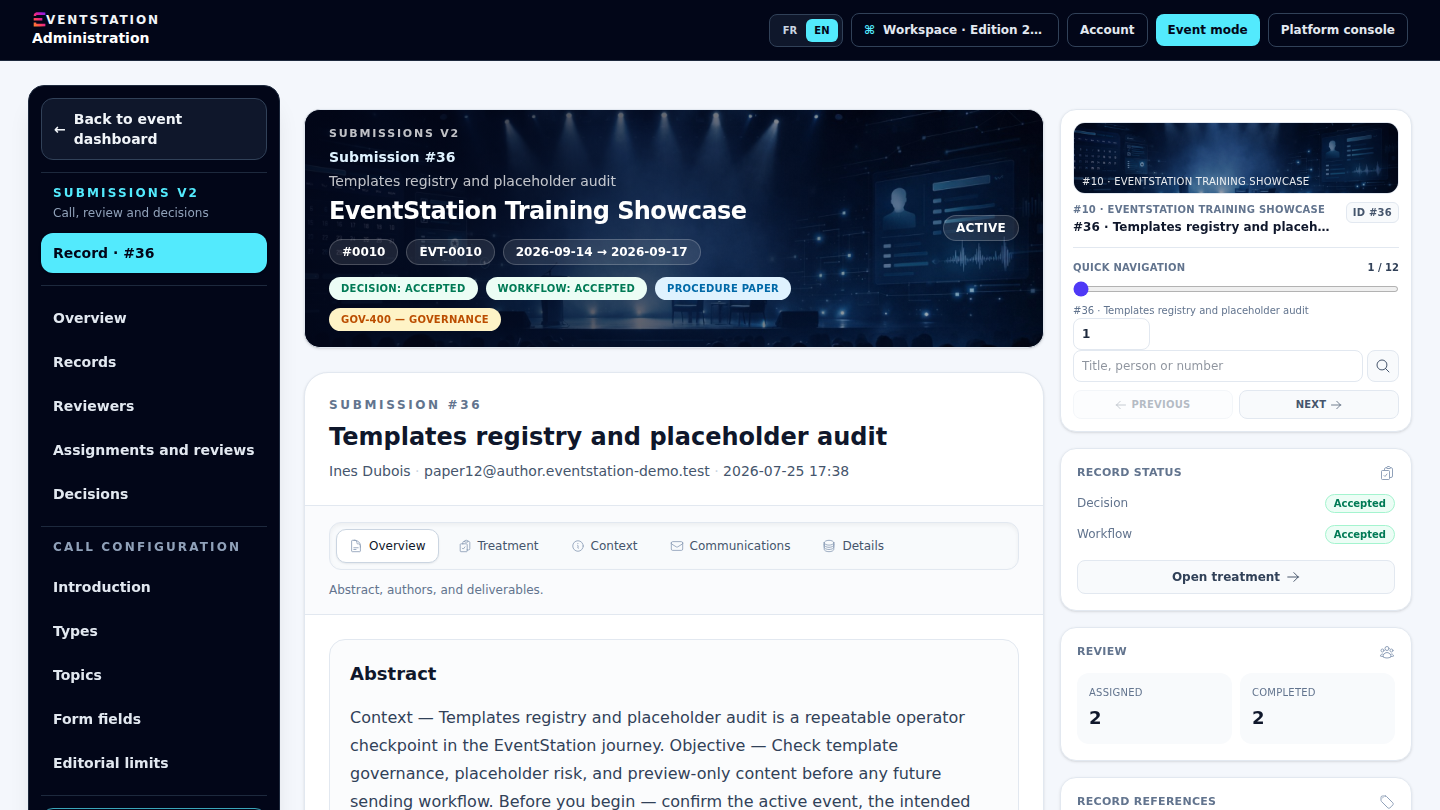
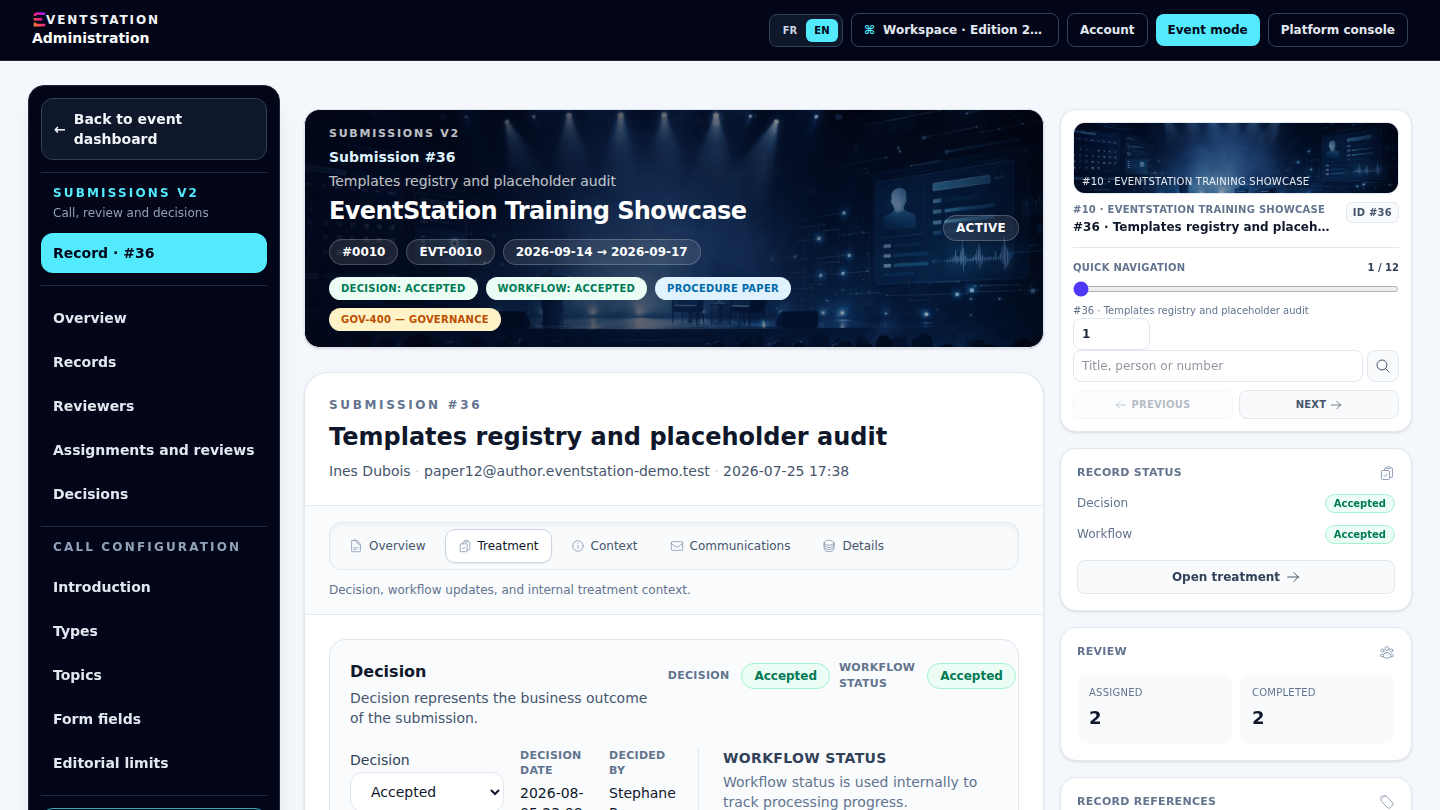
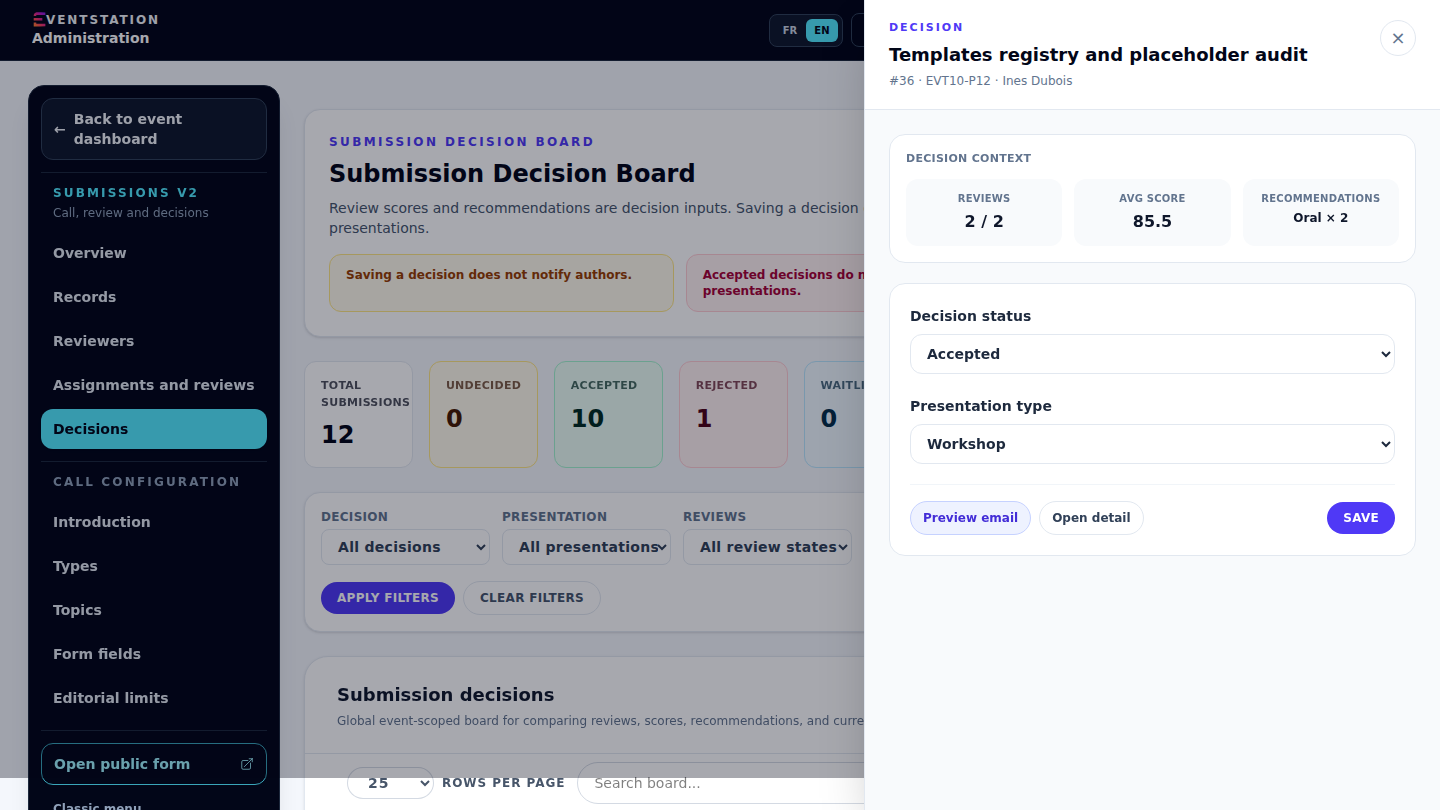
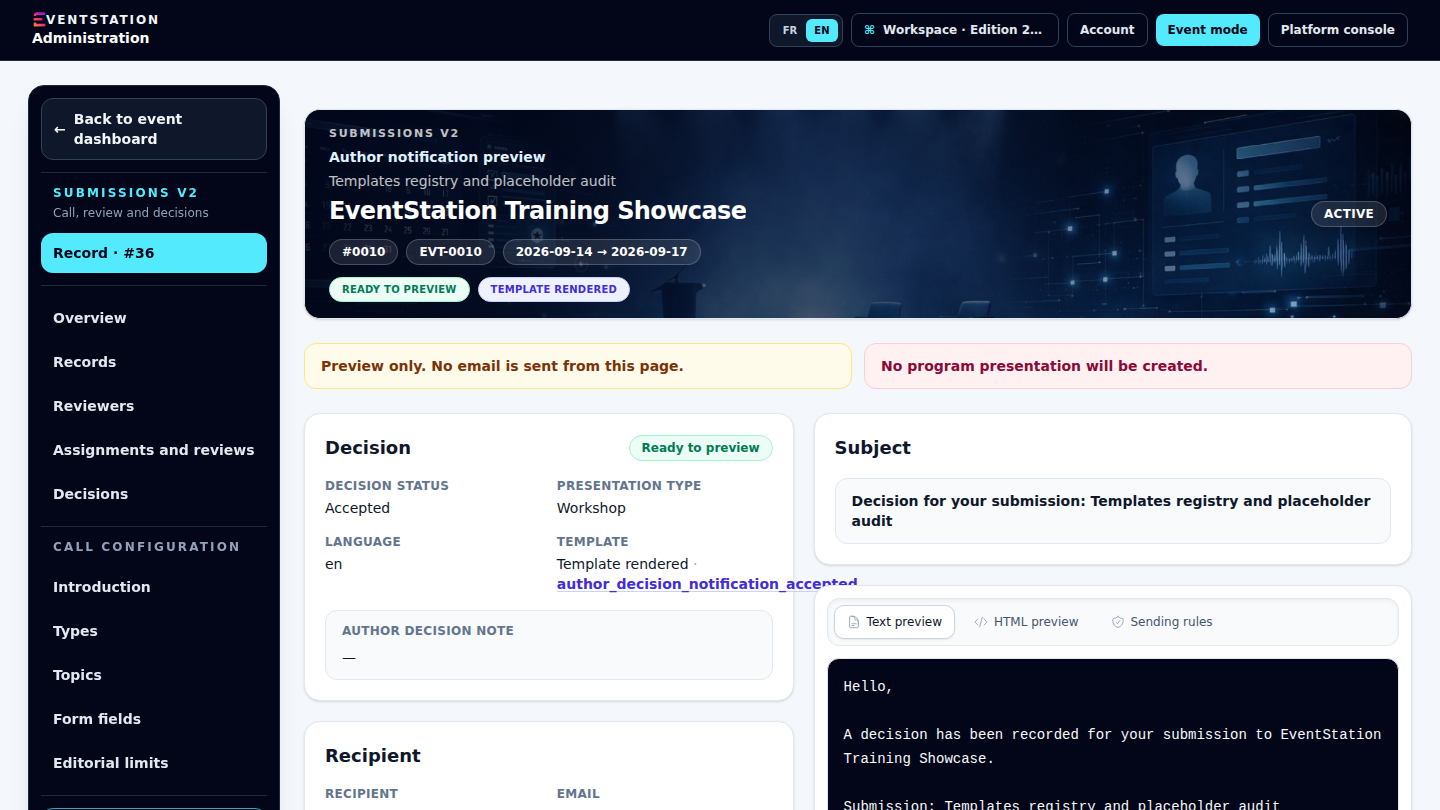
Paper journey · 1/4
The submission record gathers its topic, author, file, and review work under EVT-0010.
Paper journey · 2/4
Reviewers work on the paper in the same event context before any decision is made.
Paper journey · 3/4
Review and decision stay separate. The accepted status is recorded; no author email is sent automatically.
Paper journey · 4/4
The preview makes the acceptance message reviewable before any operator action could be taken.
Guided registration journey
From the public form to the participant record, teams keep the contact and membership context when it exists to support follow-up.
Controlled demo, no payment or send
Video walkthrough · 1:06
The video is unavailable. Continue exploring with the links below.
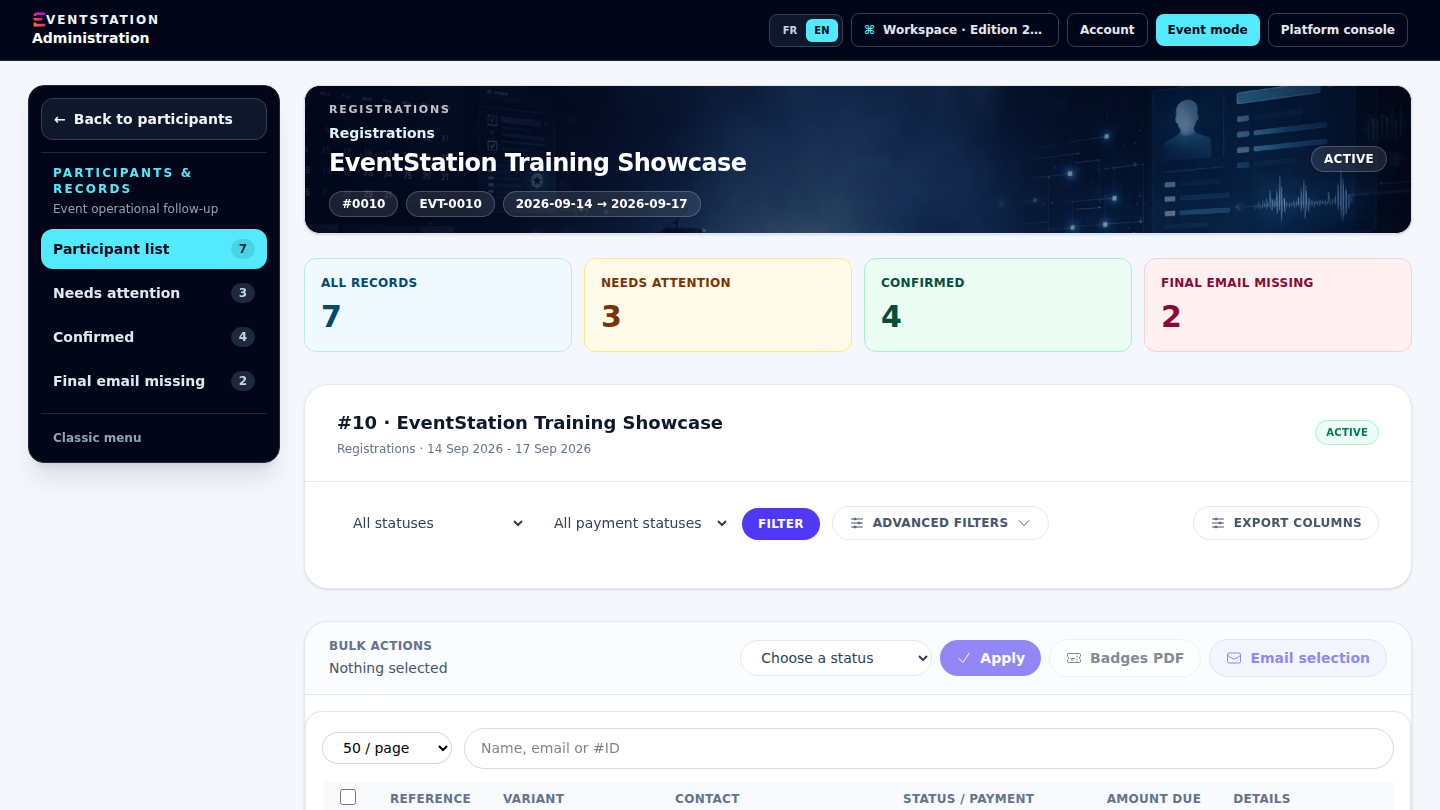
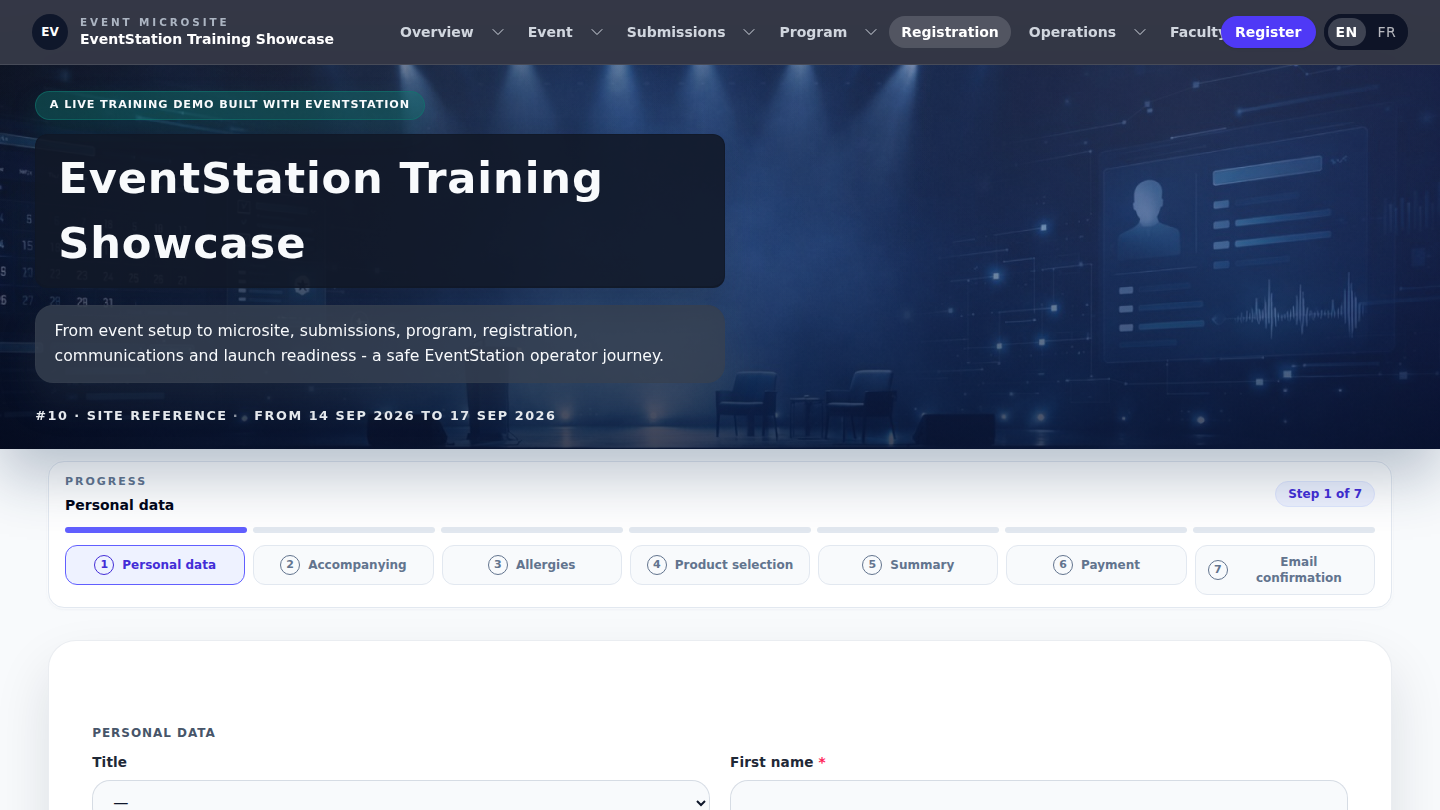
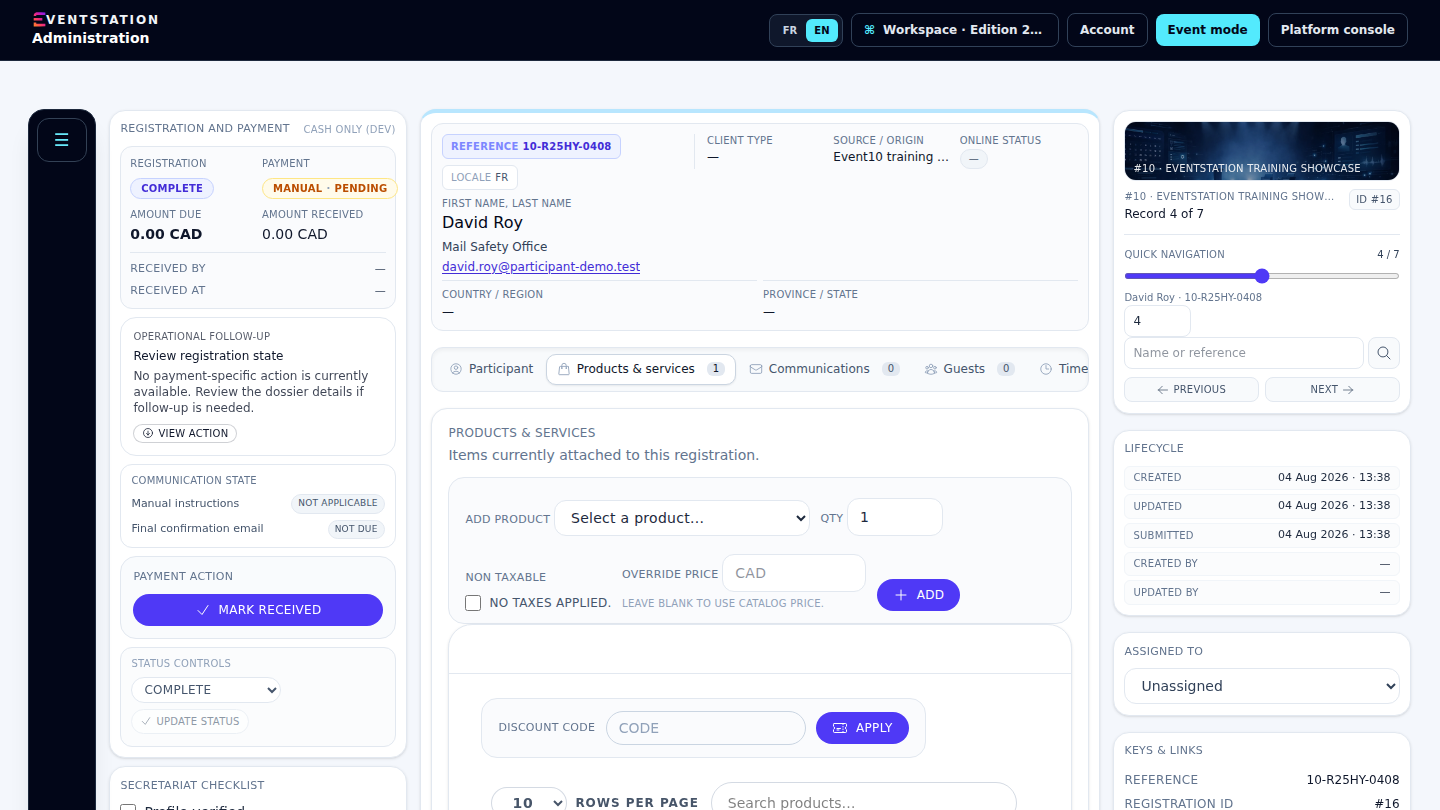
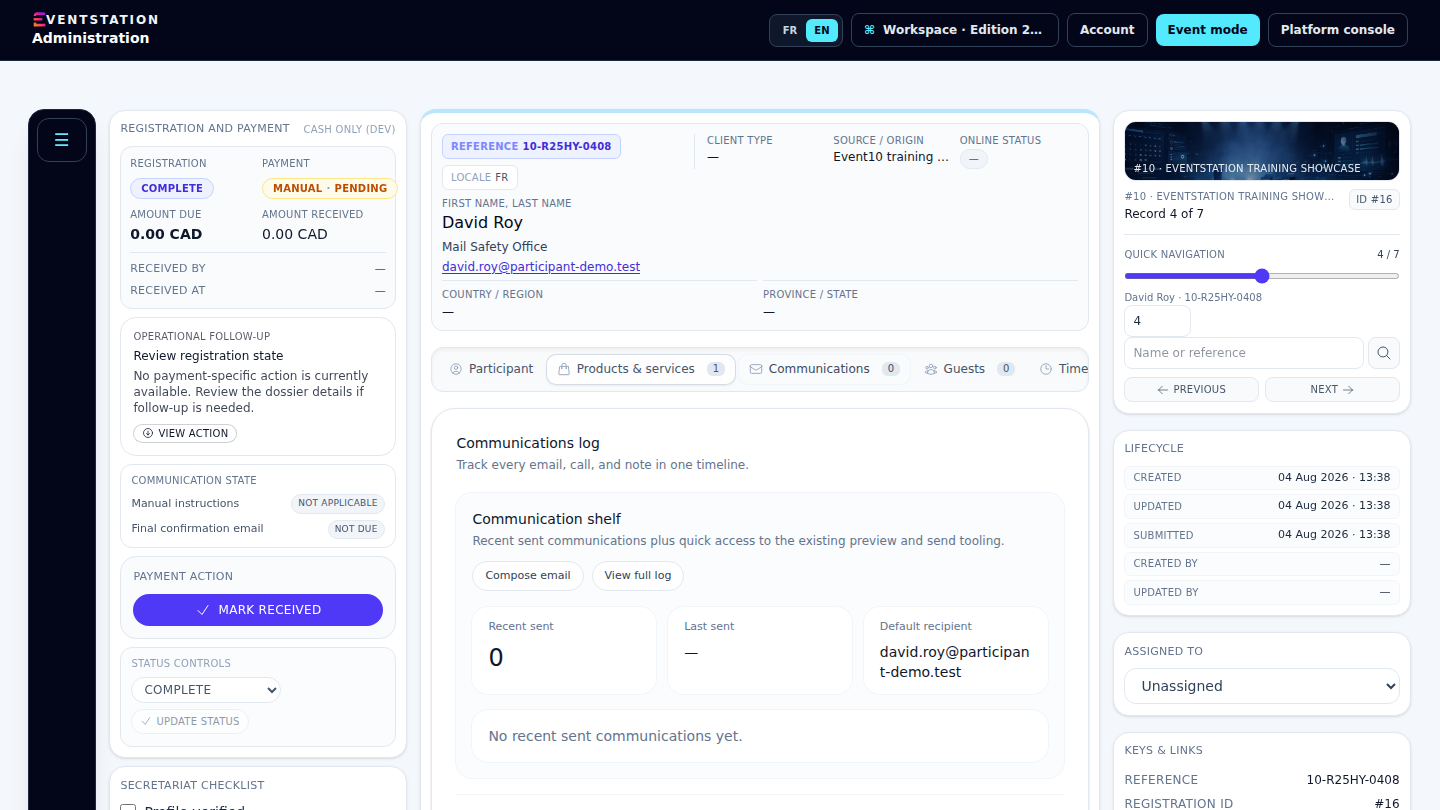
Registration journey · 1/4
The V2 Participants workspace keeps records and their status in the event context.
Registration journey · 2/4
The public form guides the information needed for registration.
Registration journey · 3/4
Participant information, contact links, and membership status remain centralized in the event context.
Registration journey · 4/4
The record centralizes the recipient and prepares follow-up without automatically sending a message.

Present your event with pages, its program, speakers, and practical information. Prepare content and control its publication.
Explore this capability →
Organize registration journeys, products, and participant records. Find links to contacts and memberships when they exist.
Explore this capability →
Receive contributions, organize reviewers’ work, and record decisions. Keep files and related exchanges with each record.
Explore this capability →
Structure sessions, presentations, and rooms. Connect accepted contributions to the program and prepare information for the public.
Explore this capability →
Centralize requests, assign an owner, and track next actions. Keep team notes separate from replies visible in the portal.
Explore this capability →
Prepare badge, certificate, and coupon templates. Preview their layout with relevant information before use.
Explore this capability →Journeys to explore
Explore examples showing different ways to present an event and its content.
Explore registrations, the program, and the participant portal.
Explore the demo
Discover Quebec through a microsite rich in destination content.
Explore the demo
A different atmosphere for presenting your event.
Explore the demoDESIGNER-DEVELOPER
Stéphane Roy designs and develops EventStation based on his experience in event operations. The platform evolves around practical needs: preparing content, supporting participants, and keeping follow-up accessible to the team.
Tell us about your context, participant journeys, and team needs. We can show you the relevant features and clarify the platform’s current capabilities.
Request a demonstration